Introduction
Kuberfy is an ultra-lightweight self-hosted Platform-as-a-Service (PaaS) designed to deploy and manage containerized applications with near-zero resource overhead.
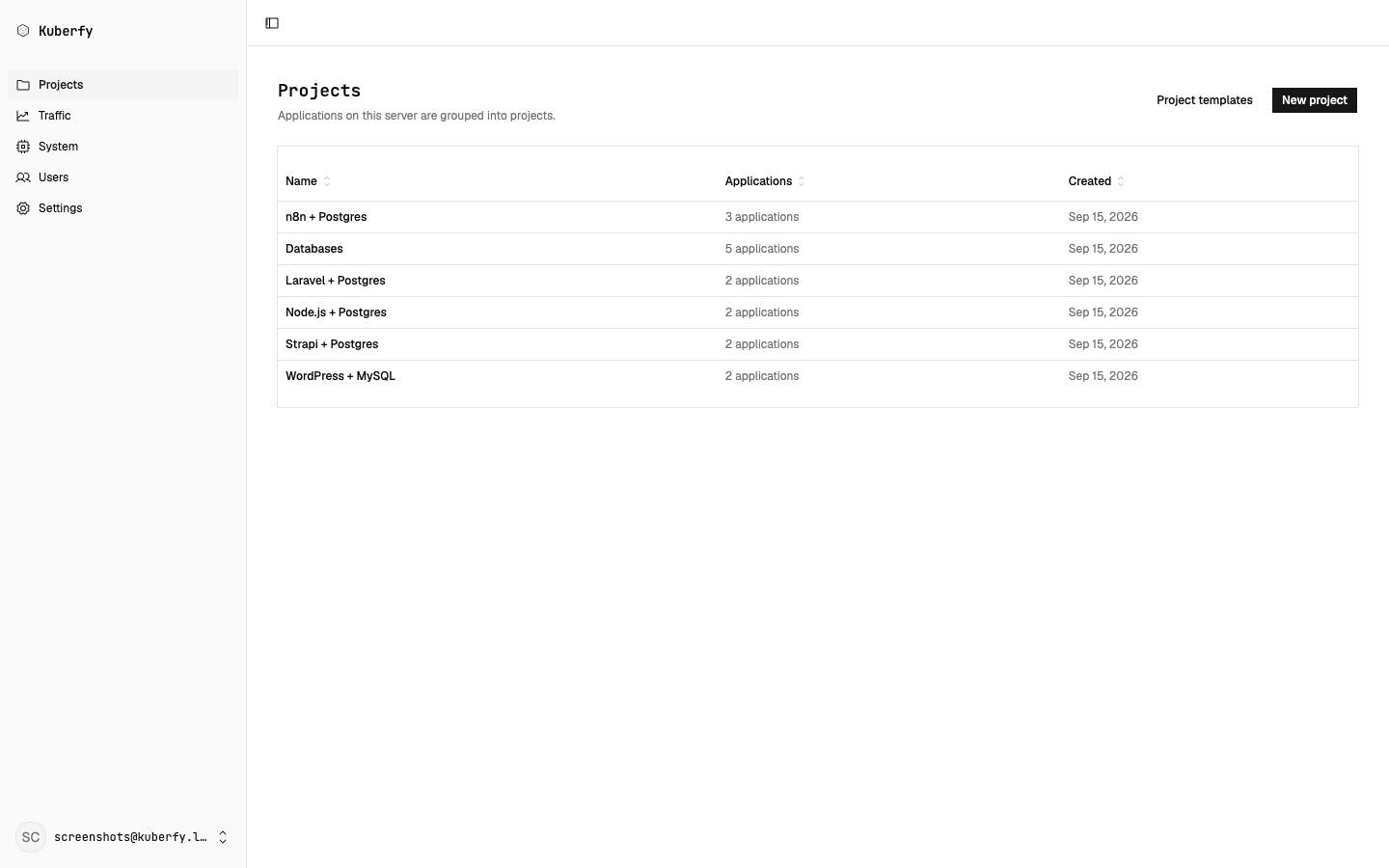
Core Philosophy: Most self-hosted deployment tools ship a full Postgres cluster, Redis queues, and bulky multi-process runtimes just to manage a handful of containers. Kuberfy compiles everything into a single static binary and an embedded SQLite database.
Why Kuberfy?
When running on budget VPS instances (such as 512 MB or 1 GB RAM servers), traditional PaaS solutions can consume 50% to 100% of available memory before you deploy your first application.
| Feature / Resource | Typical PaaS (Dokploy / Coolify) | Kuberfy |
|---|---|---|
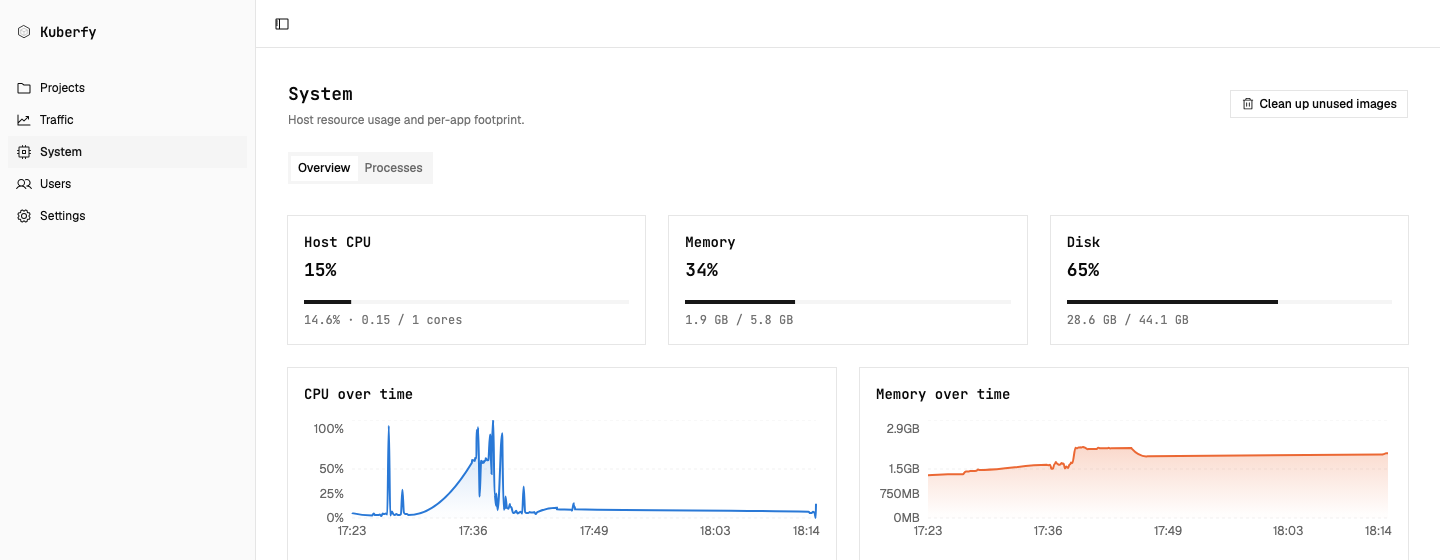
| Idle Memory Usage | ~600 MB – 1.5 GB RAM | ~23 MB RAM (~37 MB combined with Traefik) |
| Database | PostgreSQL server container | Embedded SQLite (bun:sqlite) |
| Message Queue / Cache | Redis / BullMQ container | None (Zero extra daemons) |
| Runtime Overhead | Node.js / Next.js server runtime | Compiled Standalone Binary |
| Base Image | Ubuntu / Debian (~200MB+) | Alpine Linux (~5 MB) |
| SSL & Proxy | Traefik / Nginx / Caddy | Traefik (Automatic Let's Encrypt) |
Key Features
- Zero-Downtime Rolling Deploys: Uses native single-node Docker Swarm orchestration for automatic health checking and rolling updates without extra orchestrator overhead.
- Deploy from Git or Images: Deploy directly from public Docker Hub / GHCR images or clone Git repositories with custom Dockerfiles.
- Marketplace Templates: 36 pre-configured open-source apps (Gitea, Vaultwarden, Postgres, n8n, and more) deploy in one click with secrets and volumes already set up.
- Automatic HTTPS: Built-in Traefik integration provisions Let's Encrypt SSL certificates automatically when a domain is attached.
- Live Build & Runtime Logs: Stream real-time container output via WebSockets directly to the web dashboard.
- Secure Host CLI: Single executable
kuberfyCLI on the host for rapid updates, password resets, and user management.
Next Steps
Ready to install Kuberfy on your VPS? Continue to the Installation Guide.