Deploying Applications
Kuberfy supports two deployment strategies: pulling public or private Docker Images, or cloning a Git Repository and building its Dockerfile.
1. Creating a Project
Applications in Kuberfy live inside Projects. To get started:
- Navigate to the Projects dashboard.
- Click New Project, enter a name (e.g.
production-api) and description, then click Create.
2. Adding an Application
Inside your project, click New Application. Choose your deployment source:
Strategy A: Public or Private Docker Image
- Image: The full Docker registry tag (e.g.
nginx:alpine,traefik/whoami, orghcr.io/username/repo:latest). - Internal Port: The port your container listens on internally (e.g.
80,3000,8080).
Strategy B: Git Repository + Dockerfile
- Repository URL: HTTPS URL to the Git repository (e.g.
https://github.com/dockersamples/todo-list-app). - Branch: The Git branch to deploy (defaults to
main). - Dockerfile Path: Relative path to the Dockerfile (defaults to
Dockerfilein root). - Internal Port: Port exposed by the application inside the container.
Internal Port Routing (No Host Port Pollution)
Zero Port Conflicts: Unlike traditional setups that bind random host ports (like :8081, :8082), Kuberfy never publishes raw host ports. Traefik routes traffic internally over the kuberfy-network overlay network directly to the application's internal port.
Configuring Environment Variables
You can define key-value environment variables under the Environment tab of any application. Variables are securely injected into the container at runtime.
Viewing Logs
Build Logs (Snapshot)
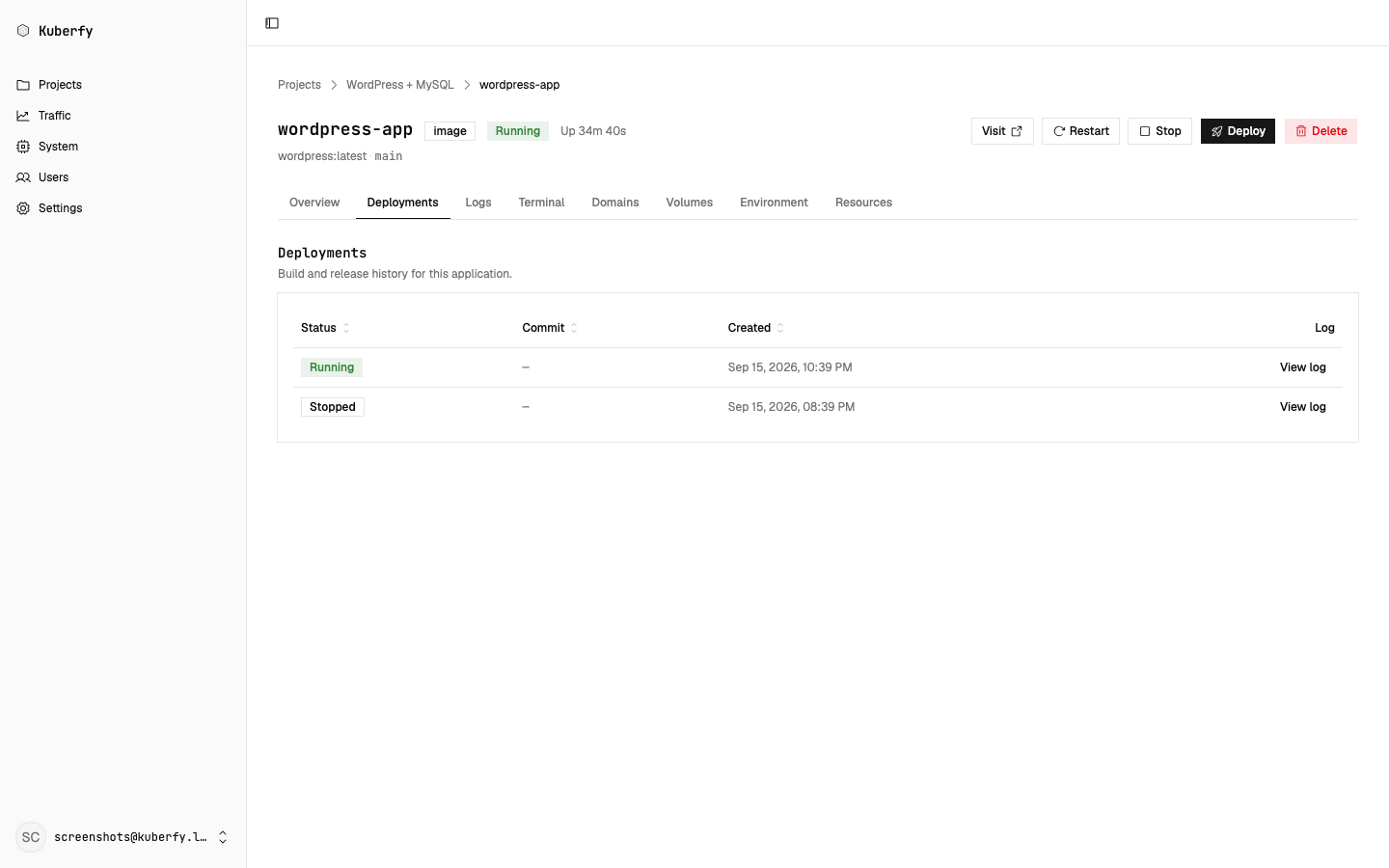
During deployment, the full build process (git clone, docker build steps, layer extraction) is captured. Click View Log on any deployment row to inspect historical build logs.
Live Runtime Logs (WebSocket)
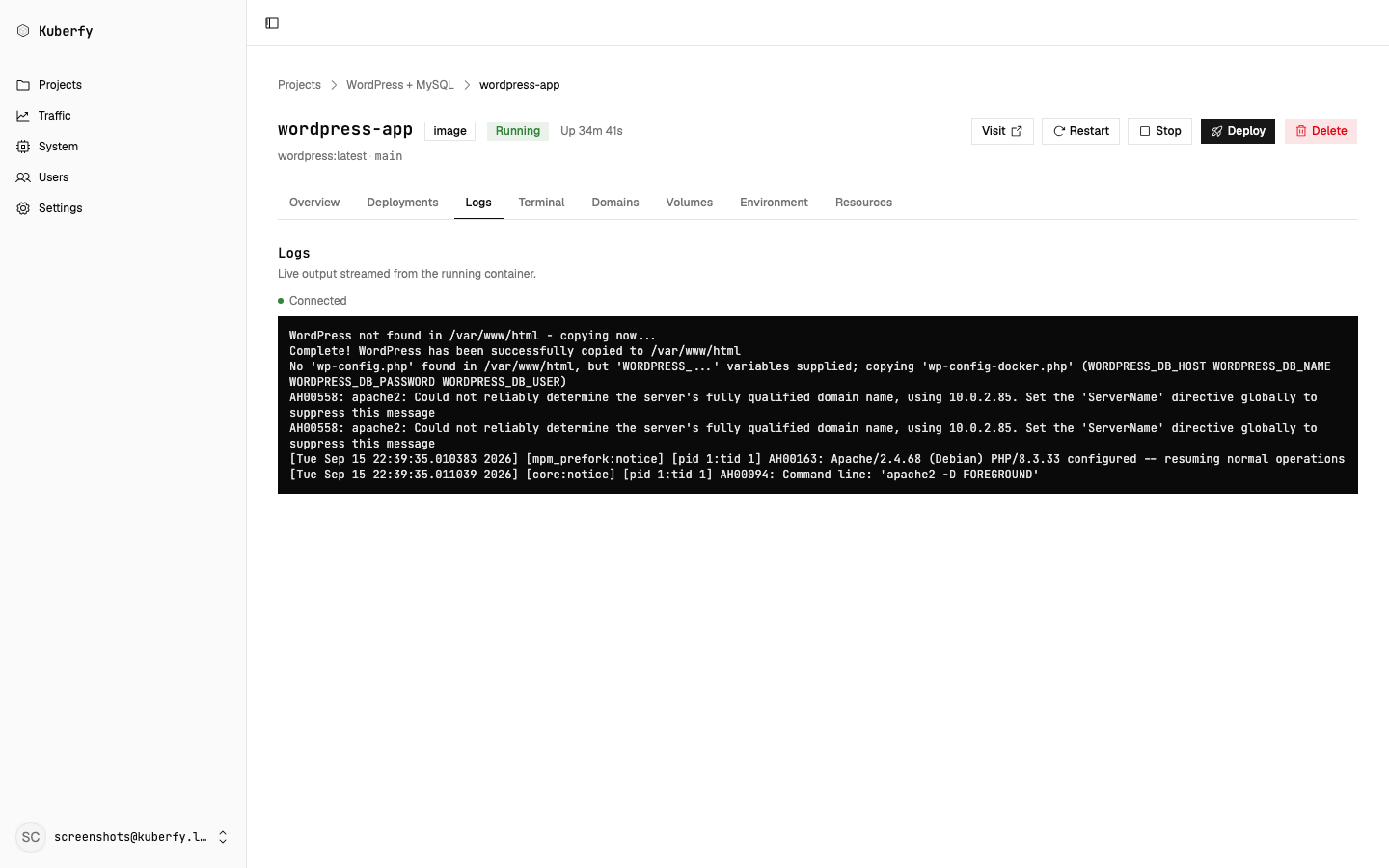
When an application is running, the Logs tab streams container output live to your browser using WebSockets connected directly to Docker's log streaming API.
Application Management
From the application dashboard, you can trigger:
- Deploy: Re-pulls the latest image or re-clones the repo to start a zero-downtime rolling update.
- Restart: Performs a graceful container restart.
- Stop: Scales the application down to zero replicas.